Biomarkers
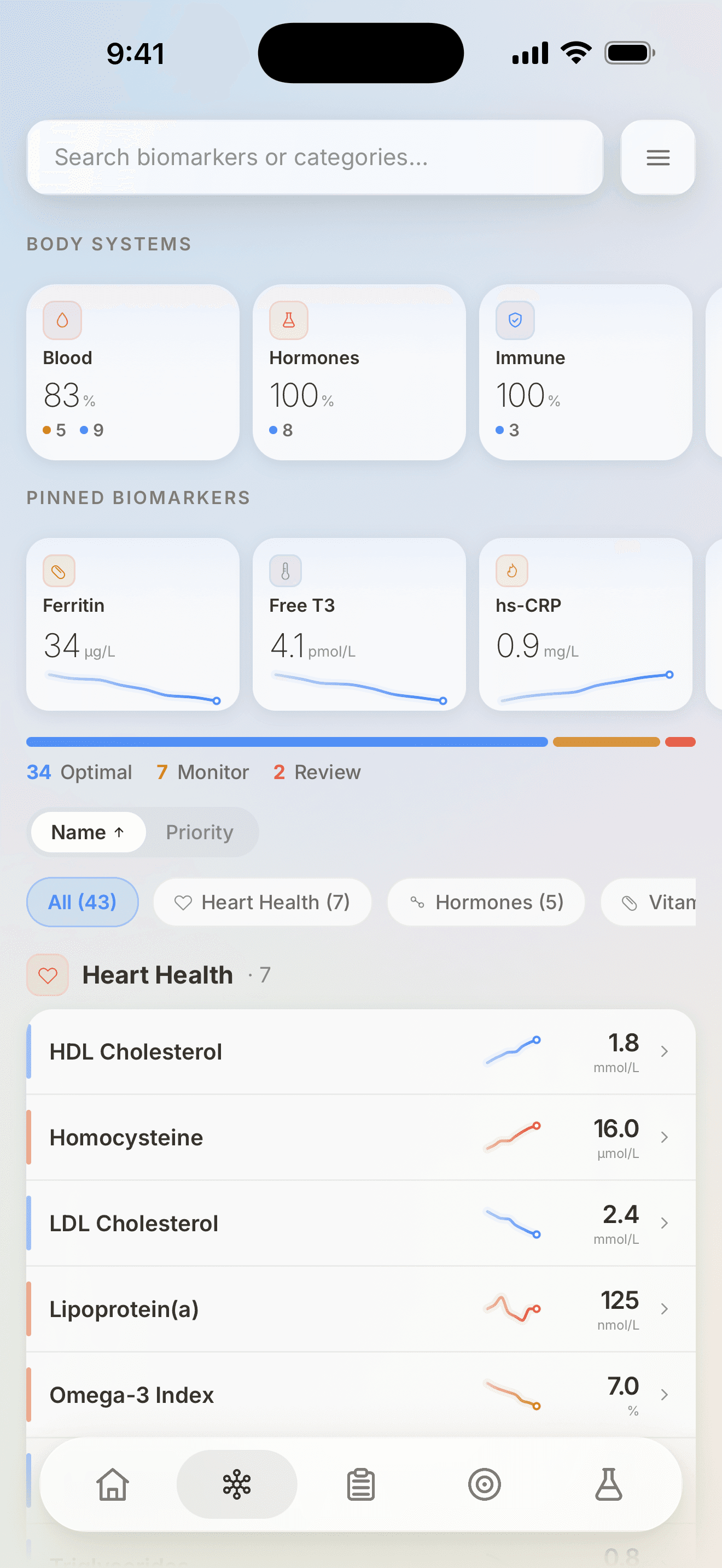
All 82 supported markers with the unit your laboratory printed, the collection date, and a trend once there is more than one report.
Biomarker trackingThe product
Vector brings Australian pathology reports, biomarker trends and Apple Health context into one longitudinal health record — with the source value, unit and collection date kept beside every result.
Reading a result
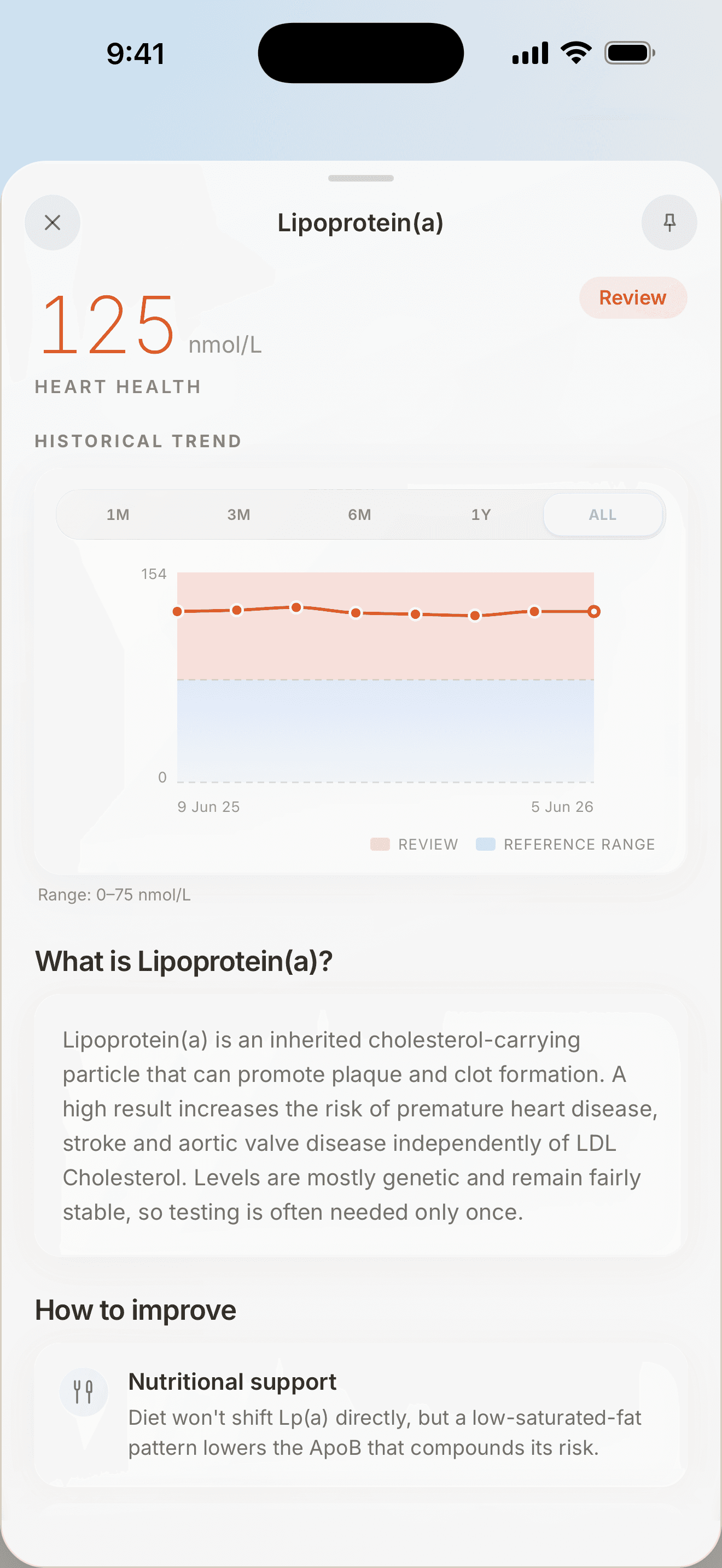
Every tracked marker is placed against the interval it should be read against, and sorted into one of three states, so a report with forty numbers on it has an obvious place to start.
Example values.
Inside the app
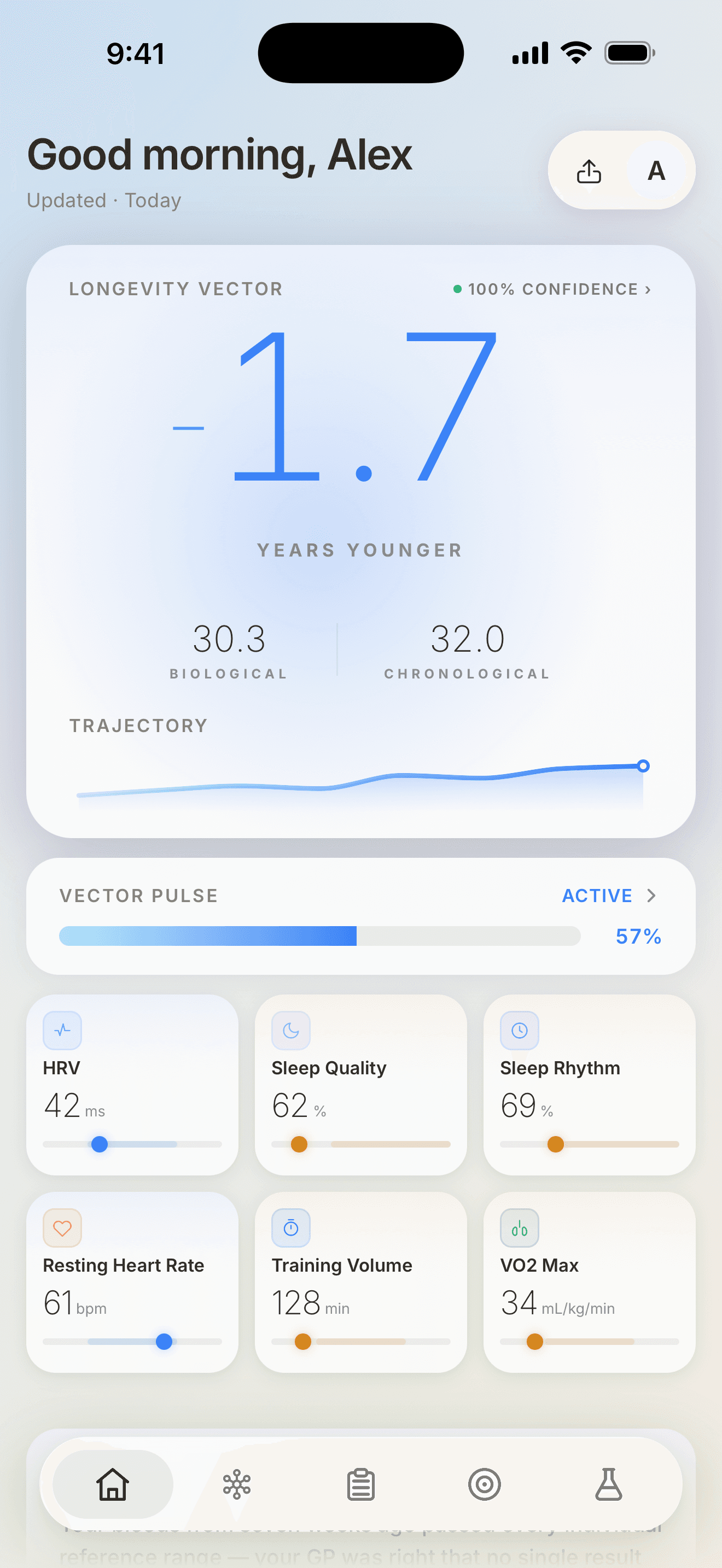
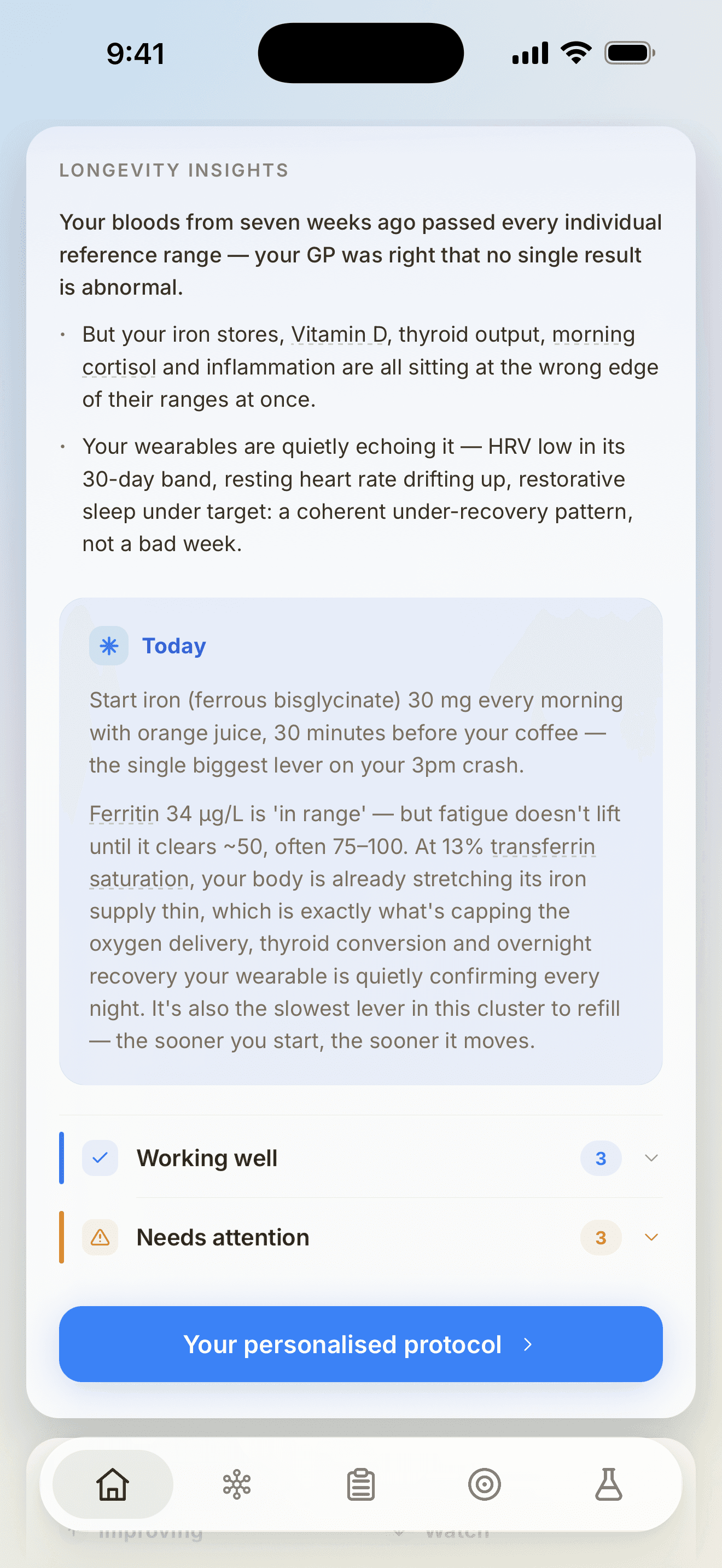
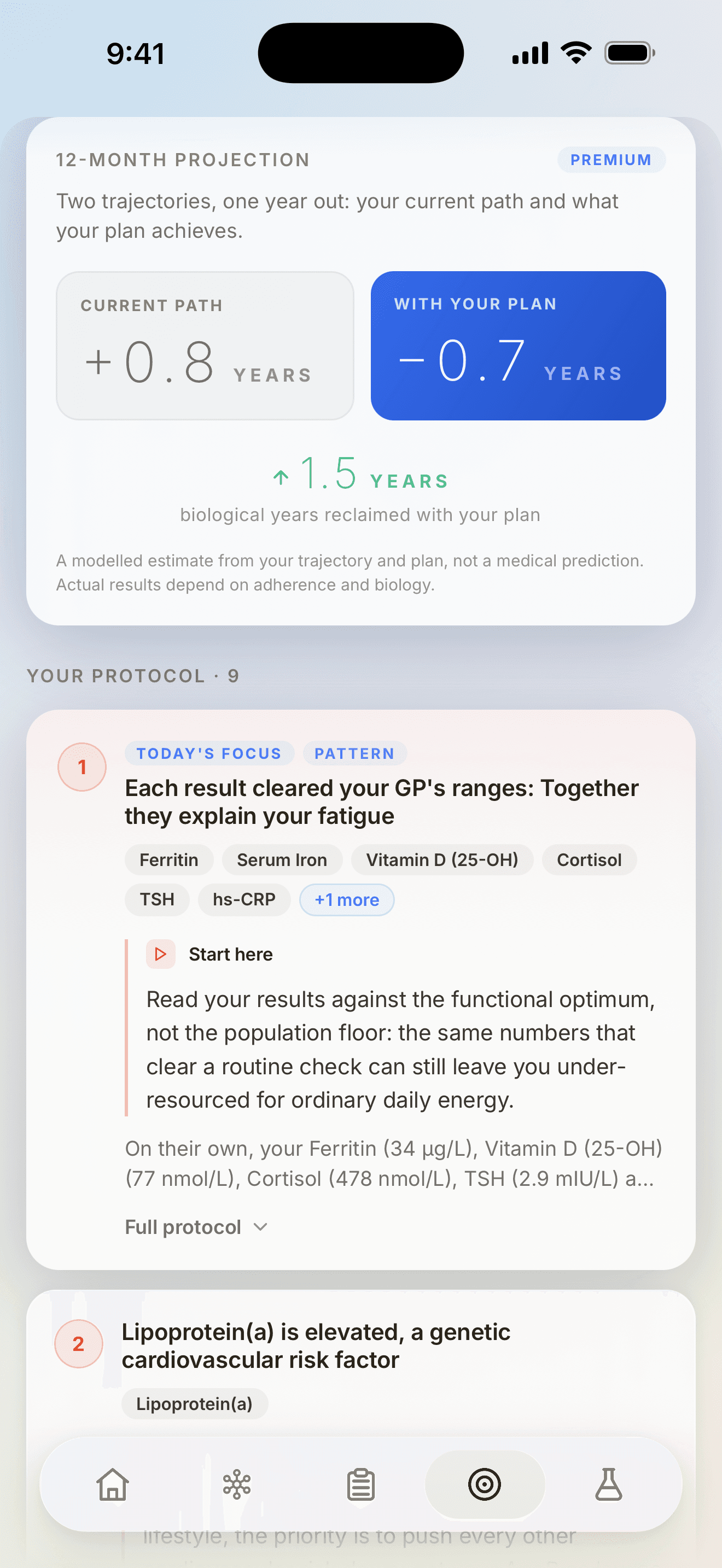
Home leads with direction. Biomarkers holds the detail. Insights connects results that are easy to miss apart. Plan turns the record into something to do next.
What is in the record
Each part is useful alone and more useful together, because they all read from the same reviewed results.
All 82 supported markers with the unit your laboratory printed, the collection date, and a trend once there is more than one report.
Biomarker trackingMetabolic, blood, immune, liver, kidney and hormone context, so a single odd result is read beside the system it belongs to.
Import a report, check every extracted value, edit what needs correcting, and save only what you approve.
How report analysis worksA daily recovery read from Apple Health — HRV, resting heart rate, sleep and training — filling the months between reports.
A daily read that connects blood markers with wearable context, surfacing patterns that are hard to see one result at a time.
Premium turns the record into a prioritised protocol, and models where twelve months of it leads.
What Premium includesAustralian by default
Vector keeps the marker name, the unit and the collection date exactly as your laboratory printed them. Nothing is silently converted into an overseas convention, so the record still matches the paperwork it came from.
How reference ranges are handledDownload Vector and start with the pathology report sitting in your email.