How it works
Six steps from a PDF to a direction.
The workflow, step by step: import an Australian pathology report from a PDF, scan or photo, review every extracted value, then follow the markers and the biological age direction as new reports arrive.
The workflow
The Vector workflow, step by step
Add a report you already have
In the Vector app, choose a PDF, scanned copy or photo of an Australian pathology report. If the file is on a computer, use the secure handoff at vector.healthcare/upload to send it across without signing in on that machine.
Let the app read it
Vector extracts every supported marker with its value, the unit printed on the report and the collection date. Extraction runs on the report you supplied; the website never parses report content.
Review before anything is saved
Check each extracted value, unit and date. Edit anything the extraction got wrong. Nothing joins your record until you accept it, and the source file is cleaned up once the results are saved.
Add Apple Health context
Optionally connect Apple Health so resting heart rate, heart rate variability, sleep and training fill the months between reports. High-granularity sleep and workout data stays on your device.
Watch the direction build
Each accepted report adds a dated point. Markers gain trends, body systems gain shape, and the biological age estimate gains a direction along with a stated confidence level.
Decide what to do next
Use the free findings and history, or add Vector Premium for the twelve-month projection, the complete personalised protocol and daily AI synthesis of your record.
If the file is on a computer
A private handoff, no sign-in required.
The app mints a single-use code and shows it as a QR or link. Opening it on your computer transfers the file straight into your own account queue — the code is consumed on use, and the website never opens the report. The app does the parsing, the review and the save, exactly as it would for a file already on your phone.
Open the upload page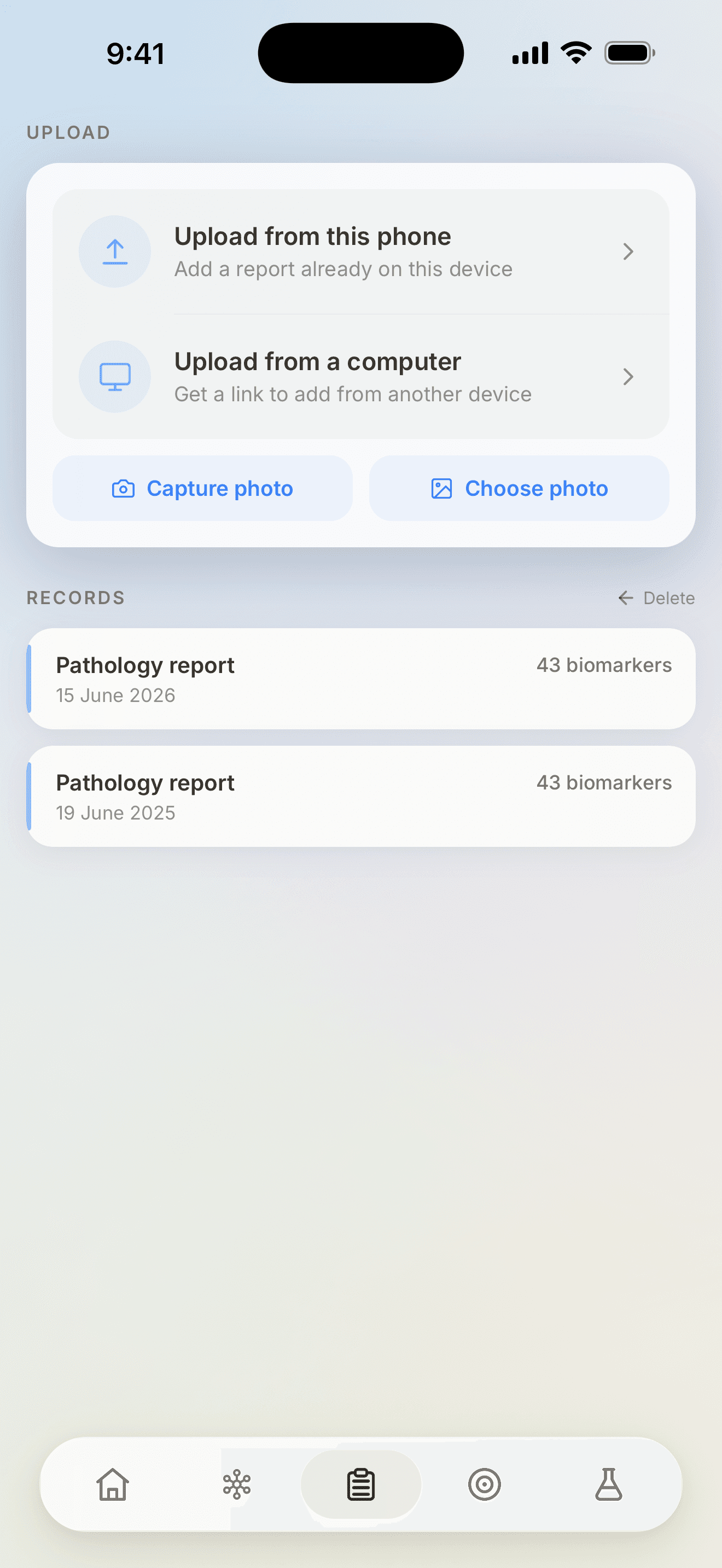
The first report is the slow one.
After that, every new result lands in a record that already knows what to compare it against.