Emailed PDF
The usual case. Text is read directly from the file, including multi-panel reports that span several pages.
Report analysis
The Vector app reads a PDF, scanned copy or photo of an Australian pathology report, extracts every supported marker with its unit and collection date, and hands the result back to you to check before anything is saved.
Read, then reviewed
Automatic extraction is fast and it is not infallible, so Vector treats it as a proposal rather than a result. Every extracted marker, unit and date is shown to you and every one of them is editable.
Formats
Layouts vary a lot between providers, and some of the most common ones are the least machine-friendly. Vector is tuned against real Australian report formats rather than an idealised template.
The usual case. Text is read directly from the file, including multi-panel reports that span several pages.
A scan or a portal download that arrives as an image is read the same way, with the same review step afterwards.
A phone photo of the page works when the values and units are legible. Vector will tell you when a capture is not good enough to use.
From a computer
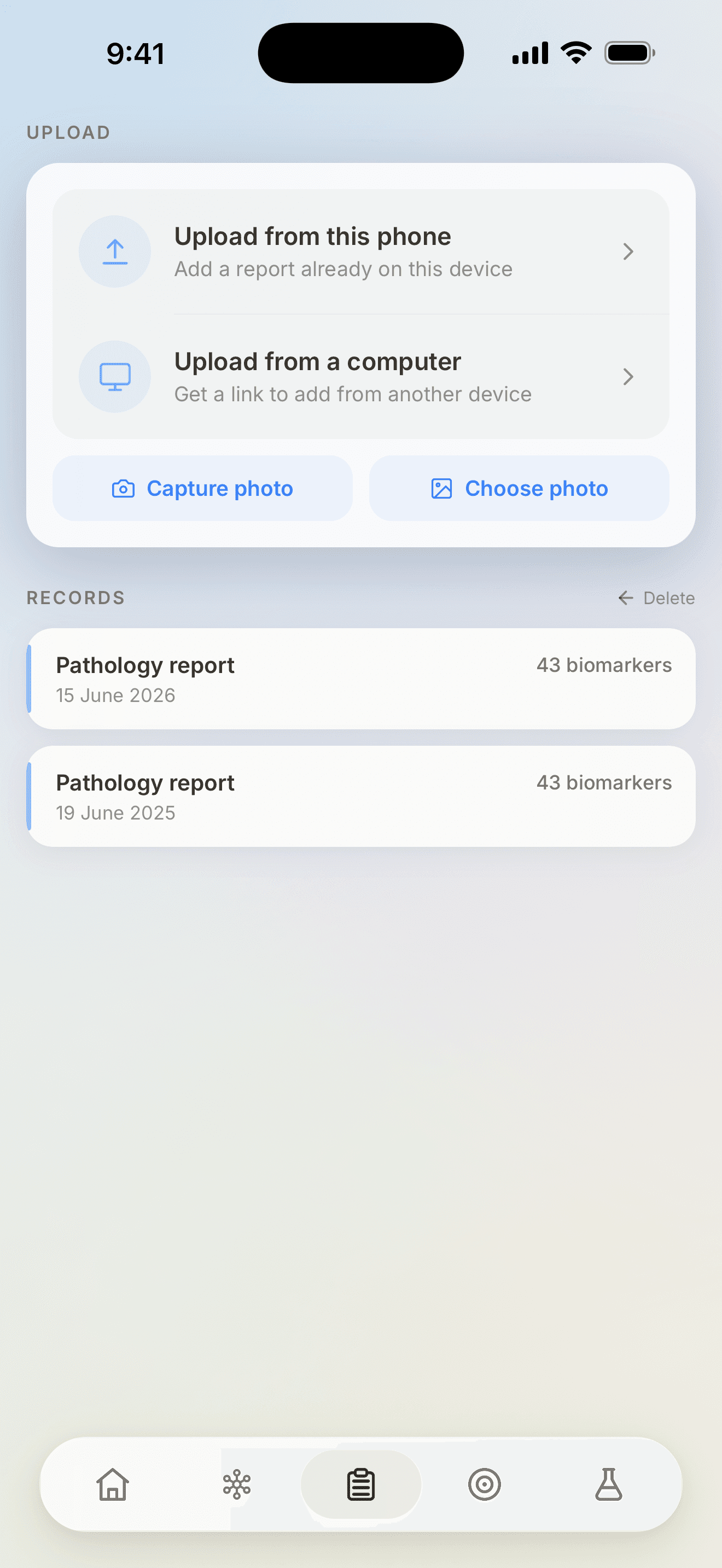
Reports usually arrive by email, on a laptop. The app mints a single-use code and shows it as a QR or link; opening it on the computer transfers the file straight into your own account. The website never opens the report — the app does the reading, the review and the save.
Open the upload pageOne Australian pathology report is enough to build the first version of your record.